VERSUS
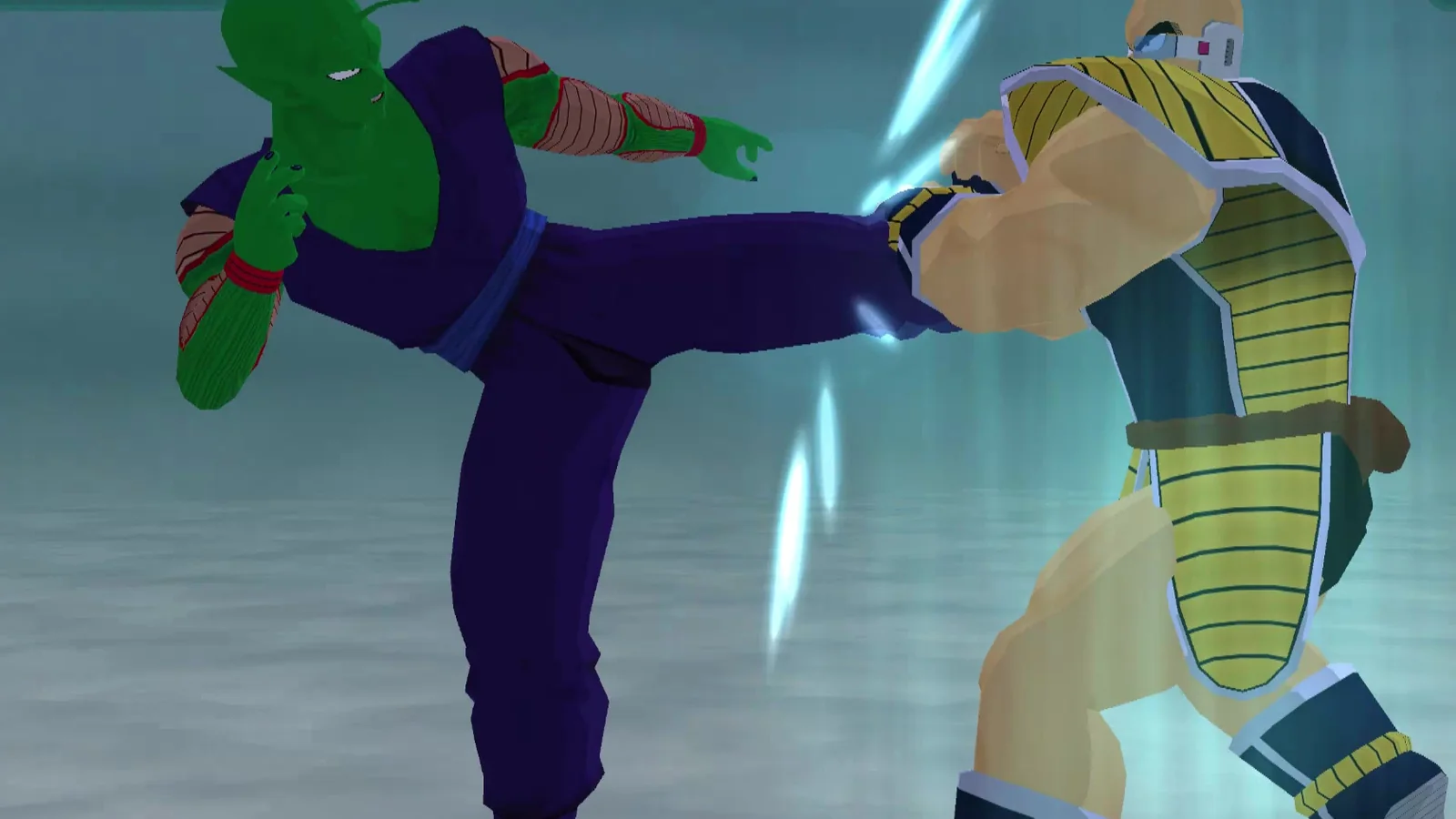
Budokai
GameCube · NTSC-U
The one that started the series on GameCube. One-on-one fights, ported to native code.
Ubuntu 26.04 & Android dev builds

Your wish has been granted
Polished Android touch controls, the Sagas outline fix, and a new Components versions & rollback screen. Module downloads are here too. Windows is still Vulkan only.
See the downloadsSite visits
GameCube DBZ trilogy · native ports
Skip the emulator. Ride the Nimbus.
1 BUDOKAI DISC
YOUR OWN NTSC-U DISC
Budokai, Budokai 2 and Sagas, each running as its own native core. A hybrid core between recompilation and decompilation, not emulation. All three on Linux (Ubuntu 26.04 for now), Windows and Android. One launcher. HD rendering. Online netplay.
Click a ball to select · Continue to goTap a ball to select · Continue to go · scroll to ride the Nimbus
Nimbus runs on a hybrid core that sits between recompilation and decompilation. Each game gets its own native core, and those cores run on a shared Nimbus host and renderer. There's no Dolphin, no emulator and no interpreter emulating the hardware. Every game can be played in Original or Remastered mode, and crossplay has been tested across Linux, Windows and Android. Detailed architecture notes are coming to the site later.
What you get is a standalone game that starts like any other app, renders through a modern GPU pipeline and is built to outrun emulation, with headroom left over for higher resolutions and HD assets.
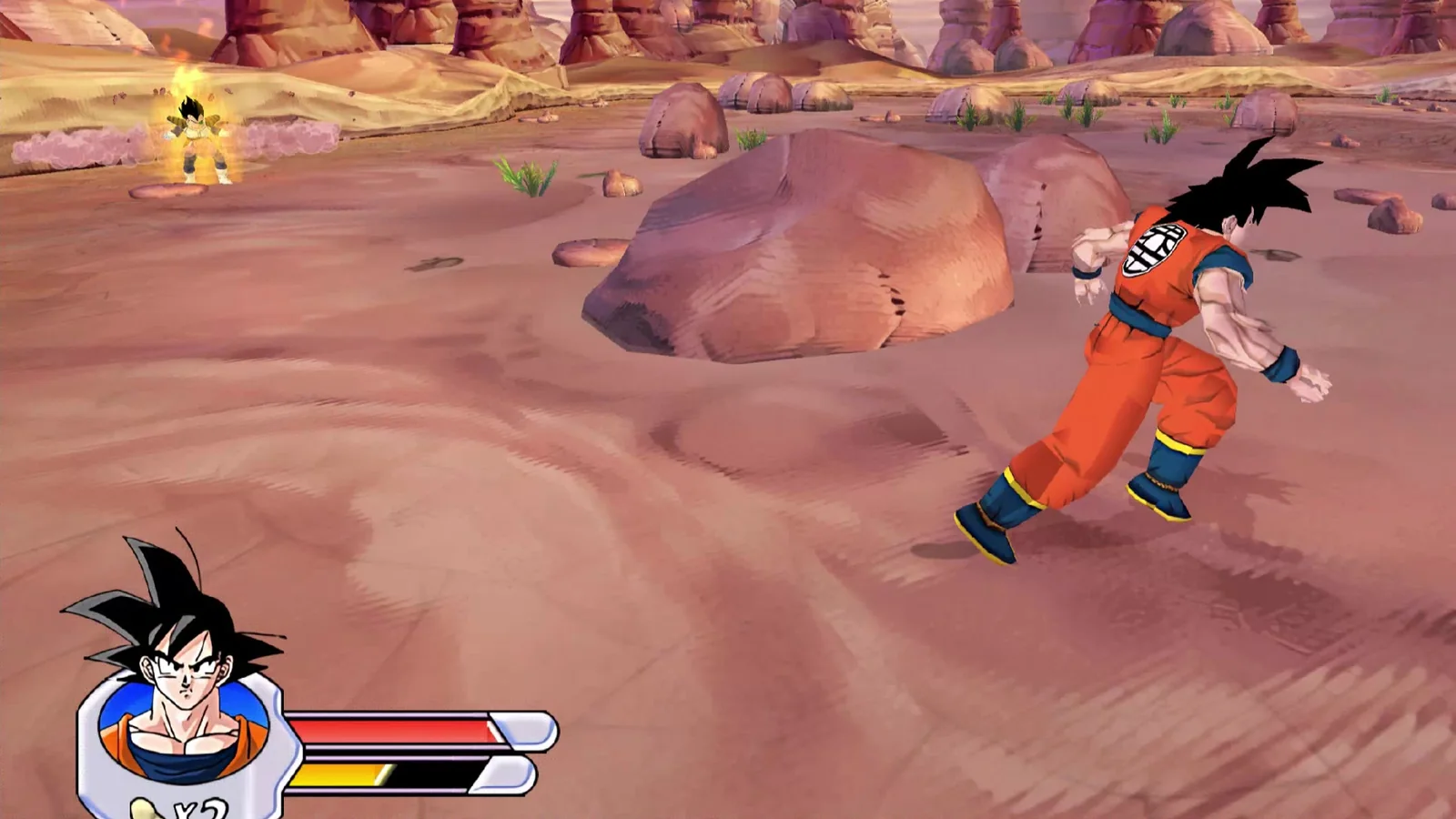
All three GameCube releases (NTSC-U), each ported on its own and all started from the same launcher.
GameCube · NTSC-U
The one that started the series on GameCube. One-on-one fights, ported to native code.
Ubuntu 26.04 & Android dev builds
GameCube · NTSC-U
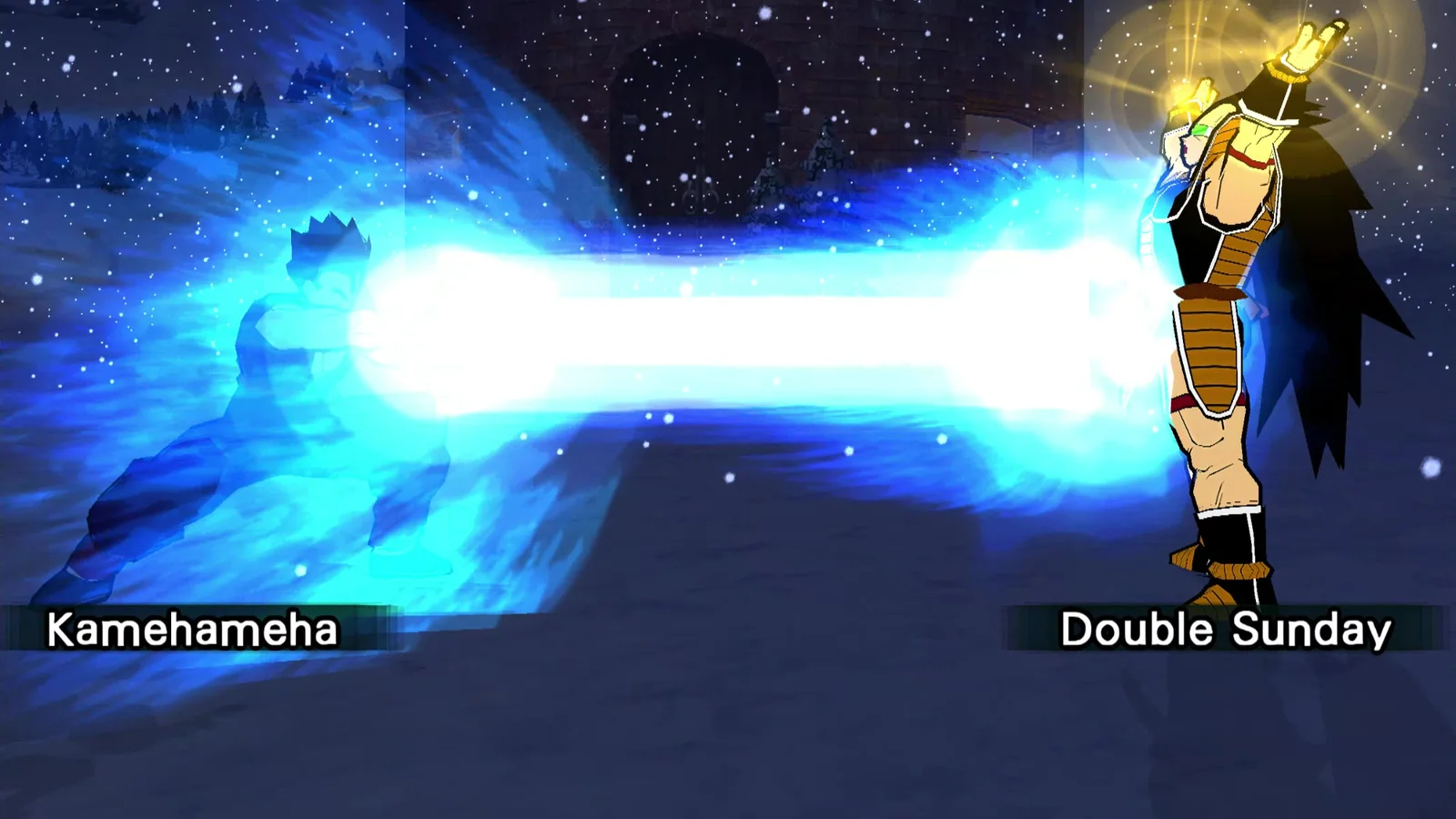
The bigger sequel, with head-to-head netplay. Crossplay between Linux, Windows and Android is in testing.
Ubuntu 26.04 & Android dev builds
GameCube · NTSC-U
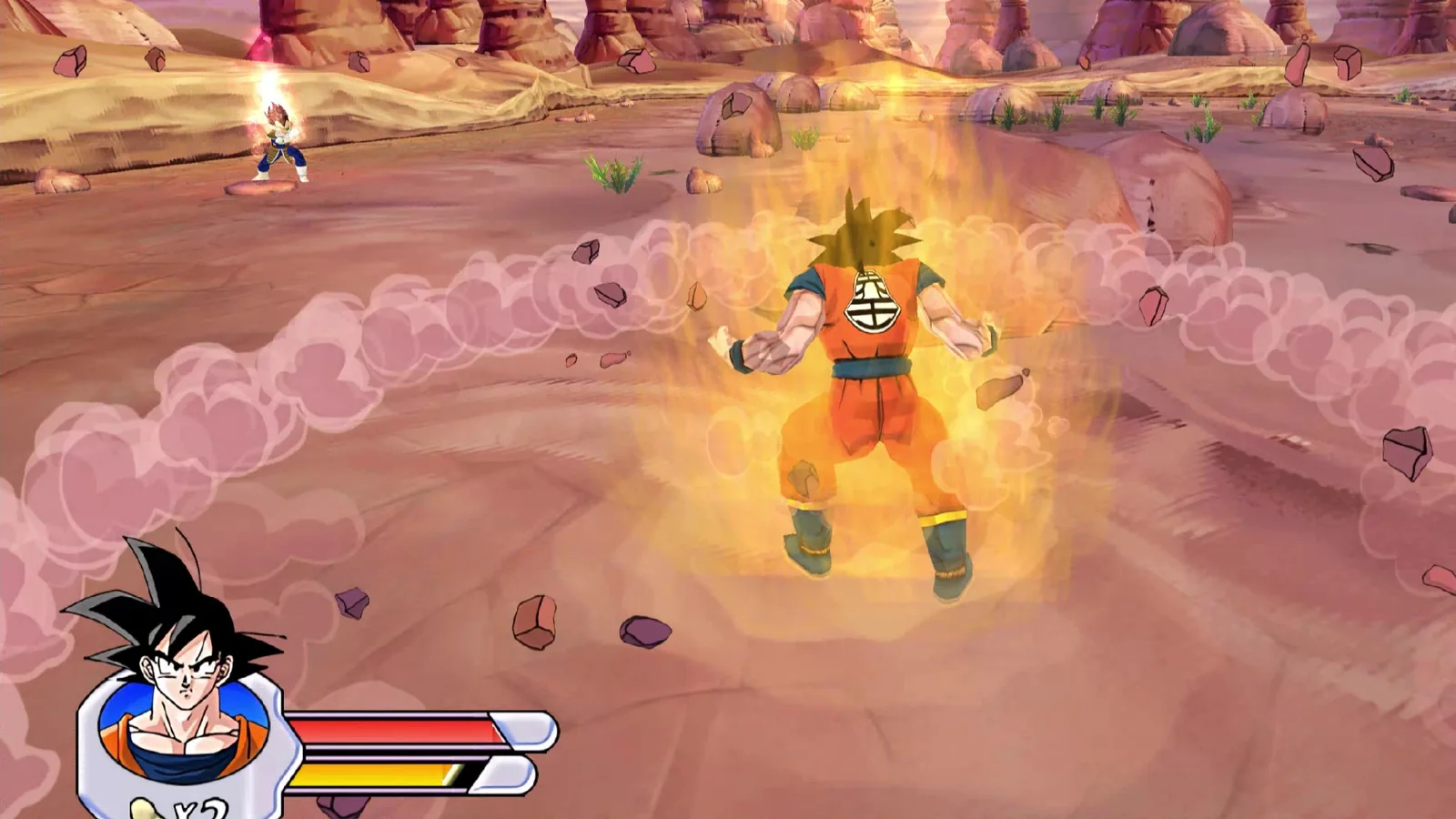
The action-adventure entry, with two-player co-op, local or online.
Ubuntu 26.04 & Android dev builds
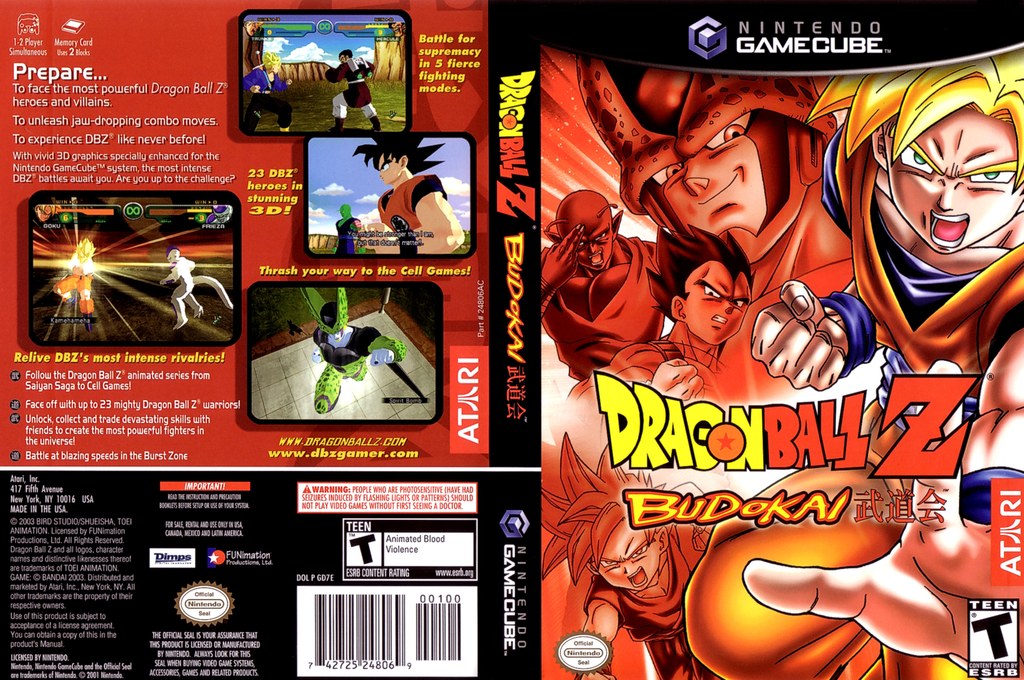
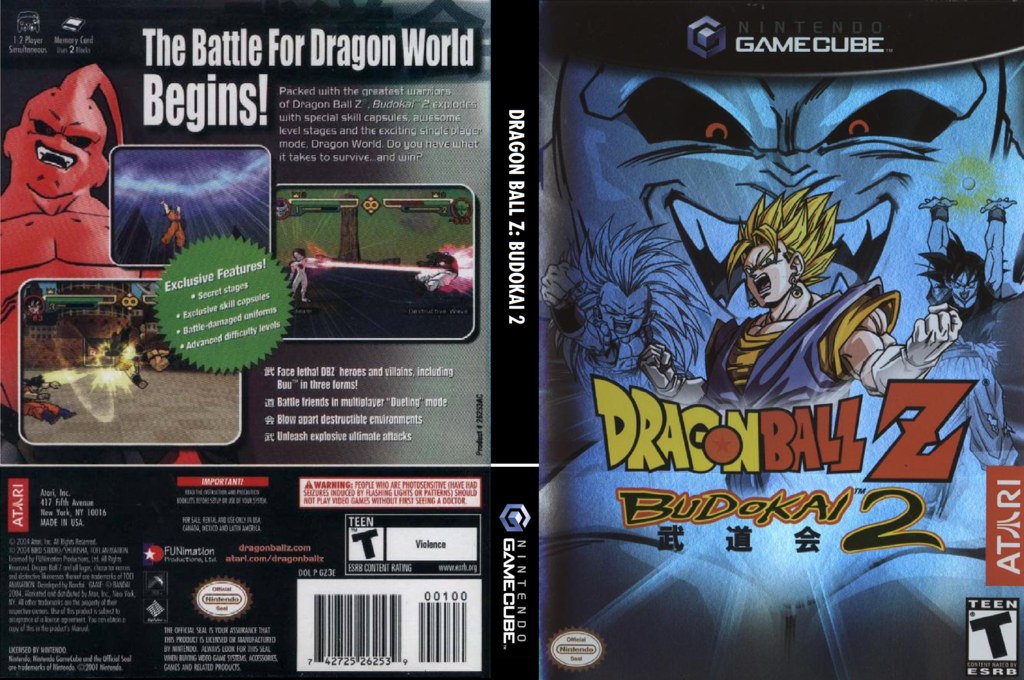
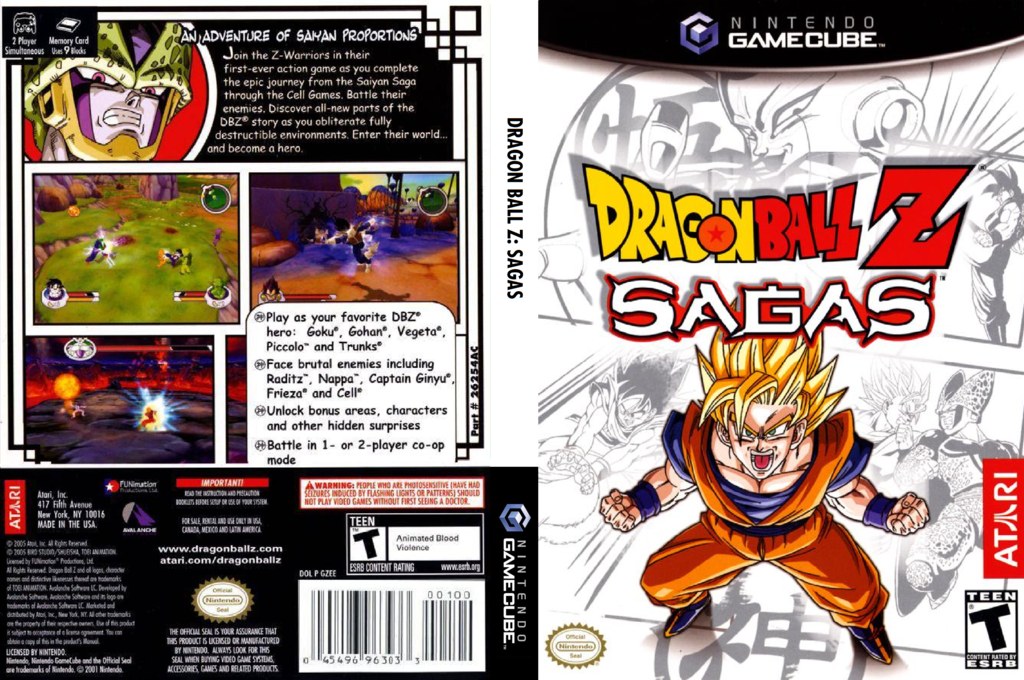
The North American GameCube releases these ports are built from. Flip a case to see its back, or open it to see the full cover.
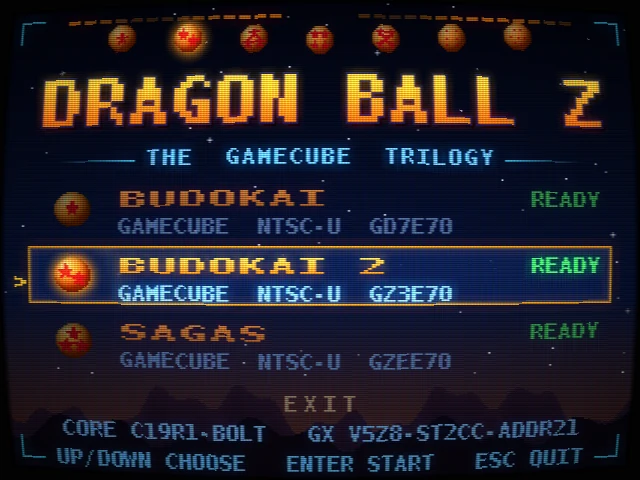
One window for the whole trilogy. Pick a game, see its status at a glance (ready, no disc, no core) and choose how to play. Keyboard, mouse or gamepad all work, with a CRT filter on top.
Online netplay
Play over your LAN, or over the internet through Nimbus relays with a short join code. After each session the launcher shows how it went: the other player, ping and input delay. Sagas plays as two-player co-op; Budokai and Budokai 2 play head-to-head.
The same engine room powers every game in the trilogy.
A modern graphics backend built on Aurora, WebGPU (Dawn) and SDL3. It recreates the GameCube's graphics on today's GPUs.
The shared host layer for windowing, input, audio, saves and netplay, so each port can stick to the game itself.
The game code in each core: the original game logic, carried over into a native core.
The tooling that turns a disc into a standalone build, reused across all three games.
Higher internal resolutions, AI-upscaled texture packs for all three games and HD movies for Sagas. Grab them in Downloads.
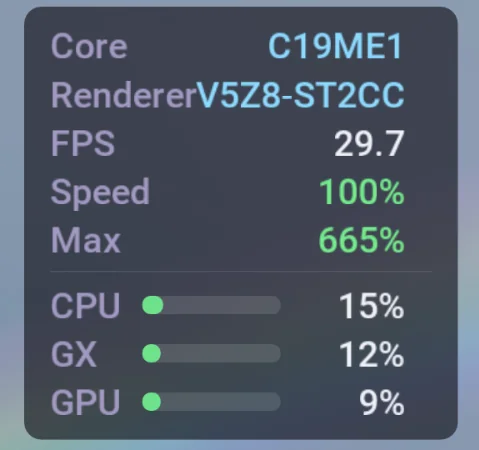
No emulator overhead means more headroom. In Sagas benchmarks on the dev laptop, the native build ran faster than Dolphin at both 1× and 5× internal resolution.
Where things stand right now. Alpha 1.1 is out for all three platforms (2026-11-02); it's an early alpha, and work continues.
 Linux
The main development platform. All three games are in one trilogy build. Ubuntu 26.04 (64-bit x86) is the supported distro for now; other distros aren't supported yet.
 Android
All three games run on Android 13+, in one arm64 app. Sagas runs comfortably above full speed on handhelds such as the Retroid Pocket 5 and the RG Slide.
 Windows
All three games run natively on Windows, in one portable x64 folder with the same launcher, host and renderer as Linux and Android. Tested on Windows 11 x64; it needs an AVX2-class (x86-64-v3) CPU and a Vulkan-capable GPU (this release is Vulkan only). Sagas two-player co-op isn't fully covered on Windows yet.
Early numbers from current Android dev builds, measured on real hardware and shown with the core they were measured on, next to Dolphin on the same device. Results vary by device and game: on the RG Slide, Nimbus is behind Dolphin in all three games, while on the Pixel 9a it ties in Sagas, is slightly ahead in Budokai and is behind in Budokai 2. Closing the gaps is ongoing work. Linux and Windows results are coming.
Loading the benchmark readout…
How we test: Method TBD. We'll publish the test scenes, settings and capture method alongside the first results.
Submit your results — coming soonNimbus has its own netplay, written for this project with no third-party netcode. Here's how players find each other, how a match stays in sync and what the servers do.
Crossplay
An Ubuntu PC, a Windows PC and an Android handheld can play the same match. Both run the same game code in lockstep, so neither side is the "real" one. Our Budokai 2 test pair, an Ubuntu PC and a Retroid Pocket 5, played 14,000 fields (about 4 minutes) over LAN with no desyncs, then the same length over the internet relay. That run included a pause, the app going to the background, a Wi-Fi drop and a deliberate desync, and both sides finished with identical game memory. On Windows, a Windows PC and the same Retroid Pocket 5 matched our reference checkpoints over the relay in all three games. In Budokai 2 they also got through changing inputs, a background and resume, and recovery from a forced desync in both directions.
Crossplay is enabled game by game, only for build pairs we've checked play identically. Mismatched builds refuse to connect instead of drifting apart. Windows and Linux have played Budokai 2 over LAN; online matchmaking between them is still being verified. Sagas co-op isn't fully covered on Windows yet.


Host online and you get a code like K7Q2M-R8XWD-3HNPA-YT6QE (20 characters, no look-alike letters). Your friend types it in and you meet at a Nimbus relay. The code also holds the secret that encrypts your match and says which relay to use, and its last character catches typos.
Host on your home network and the launcher shows a line like address:27960/token. The other player enters it and connects straight to you over UDP. There's no automatic discovery yet, but the launcher remembers recent hosts.
The matchmaking lobby pairs you with someone playing the same game and build, or lists public games anyone can join. The player who waited longer hosts, and both sides report the result. It's in the Android app now and still being tested. It's coming to the Linux and Windows launchers too, so every platform will get it.
Single-elimination brackets for 4 to 32 players, best of 1, 3 or 5, with byes, forfeits and organizer rulings. The lobby server already handles them, and they're coming to every platform: Linux, Windows and Android. No launcher has the screens yet.
Both devices run the full game and trade controller input every video field (about 60 times a second). Inputs are delayed by a few fields so the other player's input arrives in time. The delay is set from your ping (1 to 12 fields) and adjusts during play. Every packet repeats the last 16 fields, so a lost packet costs nothing.
Every 60 fields both sides compare a fingerprint of the game's memory. If they ever differ, the host sends its save state, both load it and play continues, instead of quietly carrying on out of sync. Forced desyncs recover in our tests, including through the relay.
Before a match starts the two sides compare the game, build and settings, and refuse to connect if they don't match. The joiner plays on a copy of the host's memory card, so unlocks match, and their own card isn't touched.
Sagas is two-player co-op: player 2 presses START to drop in. Budokai and Budokai 2 are head-to-head. A session is two devices, which between them can bring up to 4 controllers. That's supported in the code, but so far we've only tested one controller per device. You can see ping and input delay in-game, and on-screen symbols show when the other player has paused, the game is waiting, the connection has dropped or a resync is running.
Player 1hosts, gets a codePlayer 2joins with the codeSmall UDP services written for Nimbus, with relays in West, Central and East US. You can pick one or leave it on "Auto". The host registers with every relay and the joiner meets it at the one with the lowest combined ping. Session requests have to be signed with the Nimbus relay key, and every address is rate-limited.
Internet matches are end-to-end encrypted (XChaCha20-Poly1305) with keys derived from the join code, so a relay only ever handles ciphertext. Lobby requests are encrypted and signed. LAN/direct sessions are unencrypted; use a join code for encrypted play.
There are no accounts or passwords. The lobby knows you by a name plus a short tag (like PICCOLO#3031), backed by a key file created on your device. Keep that file private.
The game reads its relay list from a settings file, but the relay and lobby programs aren't published, so you can't run your own servers yet. There's also no spectator mode or chat right now.

| Game | Linux ⇄ Linux, internet | Linux ⇄ Linux, LAN/direct | Linux ⇄ Android | Windows ⇄ Android | Windows ⇄ Linux |
|---|---|---|---|---|---|
| Budokai | Tested | Supported | Not yet | Tested, relay | Not yet |
| Budokai 2 | Tested | Tested | Tested (photo) | Tested, relay, incl. resume & recovery | In testing (LAN played) |
| Sagas | Tested, incl. co-op | Tested | Tested, co-op (photo) | Tested, relay (co-op not fully) | Not yet |
Tested: two devices finished a session with identical game memory. Supported: the same code path, not yet run as its own test. The Linux ↔ Android internet test used the relay only. Windows ↔ Android "Tested" means both sides matched our reference checkpoints over the relay. In testing: played, but not yet verified end to end. Direct paths have so far been tested between Linux PCs, and between Windows and Linux on LAN.
Every file has a SHA-256 checksum so you can check your download.
Launcher + all stable modules, bundled in one. Alpha 1.1 is out for Linux, Android and Windows (released 2026-11-02). The three games' runtime components are bundled; original disc images are not included, so you need your own NTSC-U discs. Third-party license notices ship inside every download.
Bundles: launcher · host shared-20261101 · renderer v5zz-shared · cores for all three games
Loading…
Also on GitHub Releases. Looking for Alpha 1.0? It's under Other versions on each card and in Previous releases.
Released 2026-11-02 for Linux, Windows and Android. Android installs as an update over Alpha 1.0 and keeps your app data.

The host, renderer and the three game cores are also available on their own, signed, for each platform. You don't need them to play: the main distro already bundles everything and automatically selects its bundled cores. Swap a part from the launcher's Components menu without reinstalling. The launcher itself only updates through the main distro.
Module set 1.1: host shared-20261101 · renderer v5zz-shared · three game cores per platform · catalog.json
Loading the module list…
.nimbus-component file directly in Components..ticket file, then select it in Components.c19a6-bolt, alpha-1.0 or v5zz-shared) are separate from the distro version. Online play is limited to reviewed cores; other cores still work offline.Optional HD texture and movie packs for each game. They need the native Nimbus build and your own disc. The Windows build uses the same shared pack loader as Linux, so the same packs apply there; we haven't run one on Windows yet.
Loading the pack list… If nothing shows up, open packs.json directly.
On Linux run sha256sum FILE; on Windows run certutil -hashfile FILE SHA256. The result must match the SHA-256 shown on the card. Each pack is a single zip.
Everything here is free: the native builds, the modules, the HD packs and online play. There's no price, no paywall, no premium tier, and we don't take donations.
The Nimbus Project is custom built for these three games, and we plan to make it open source. It isn't open source yet because of:
We also plan to release a mature toolset in the future.
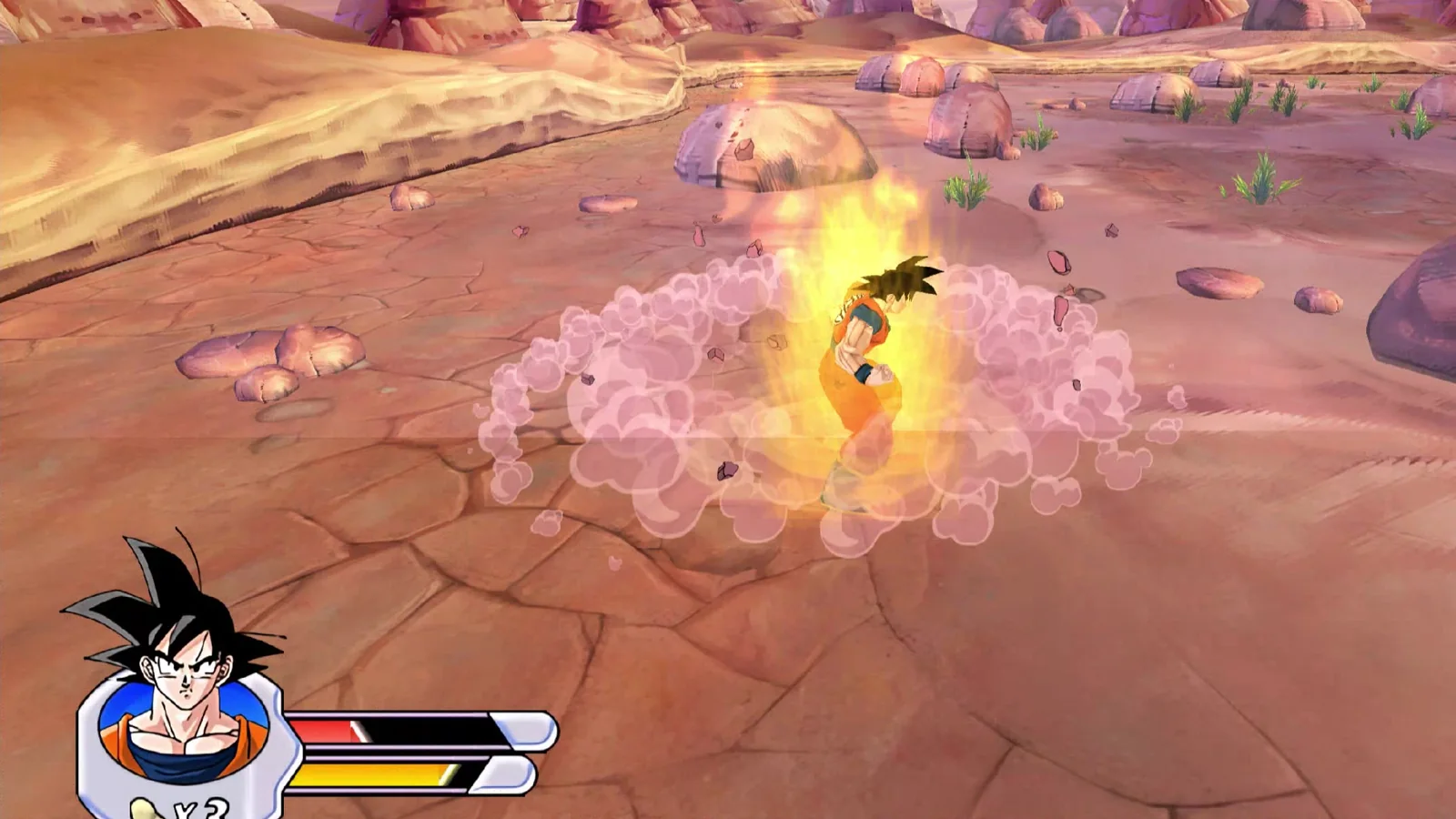
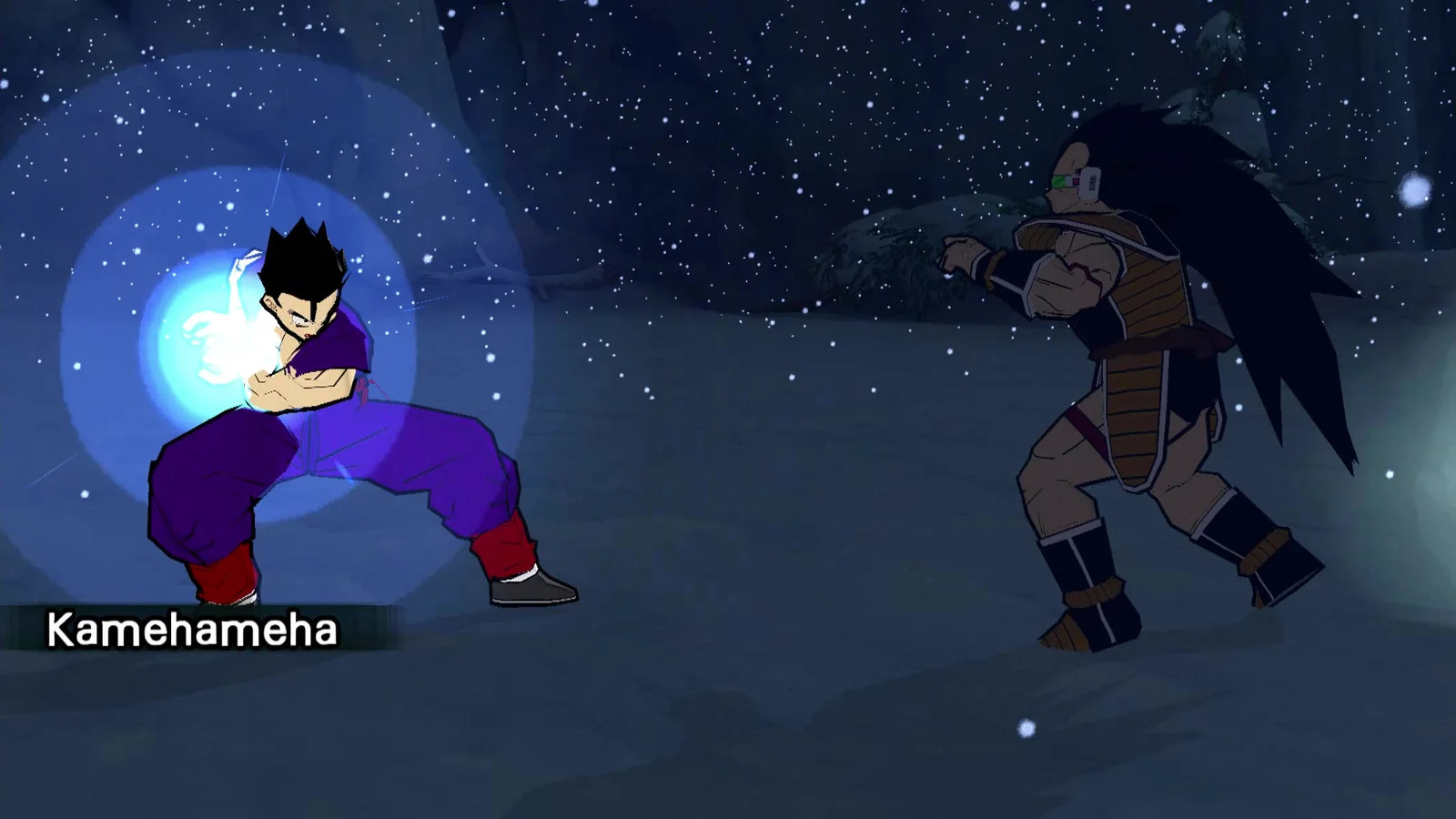
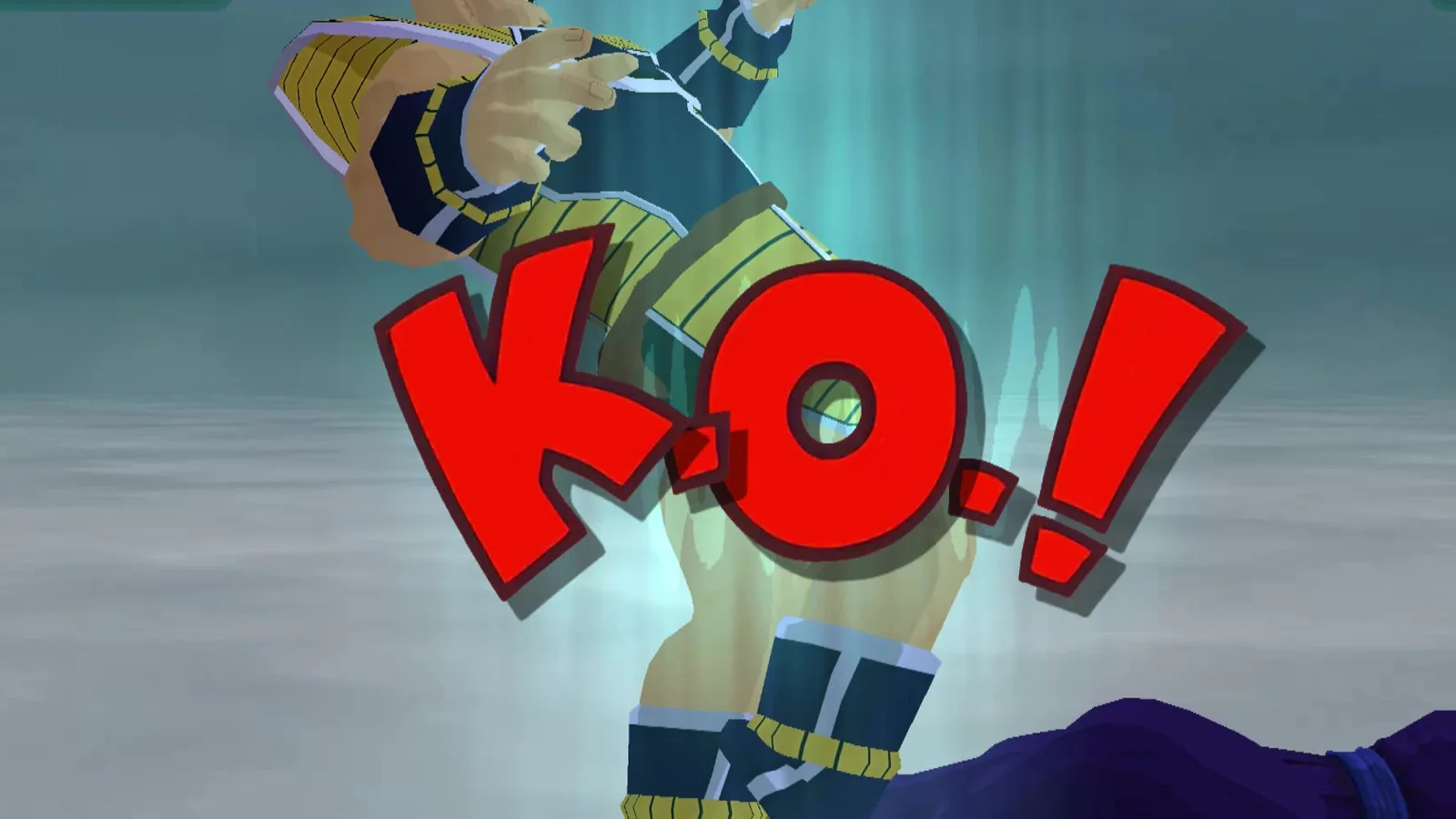
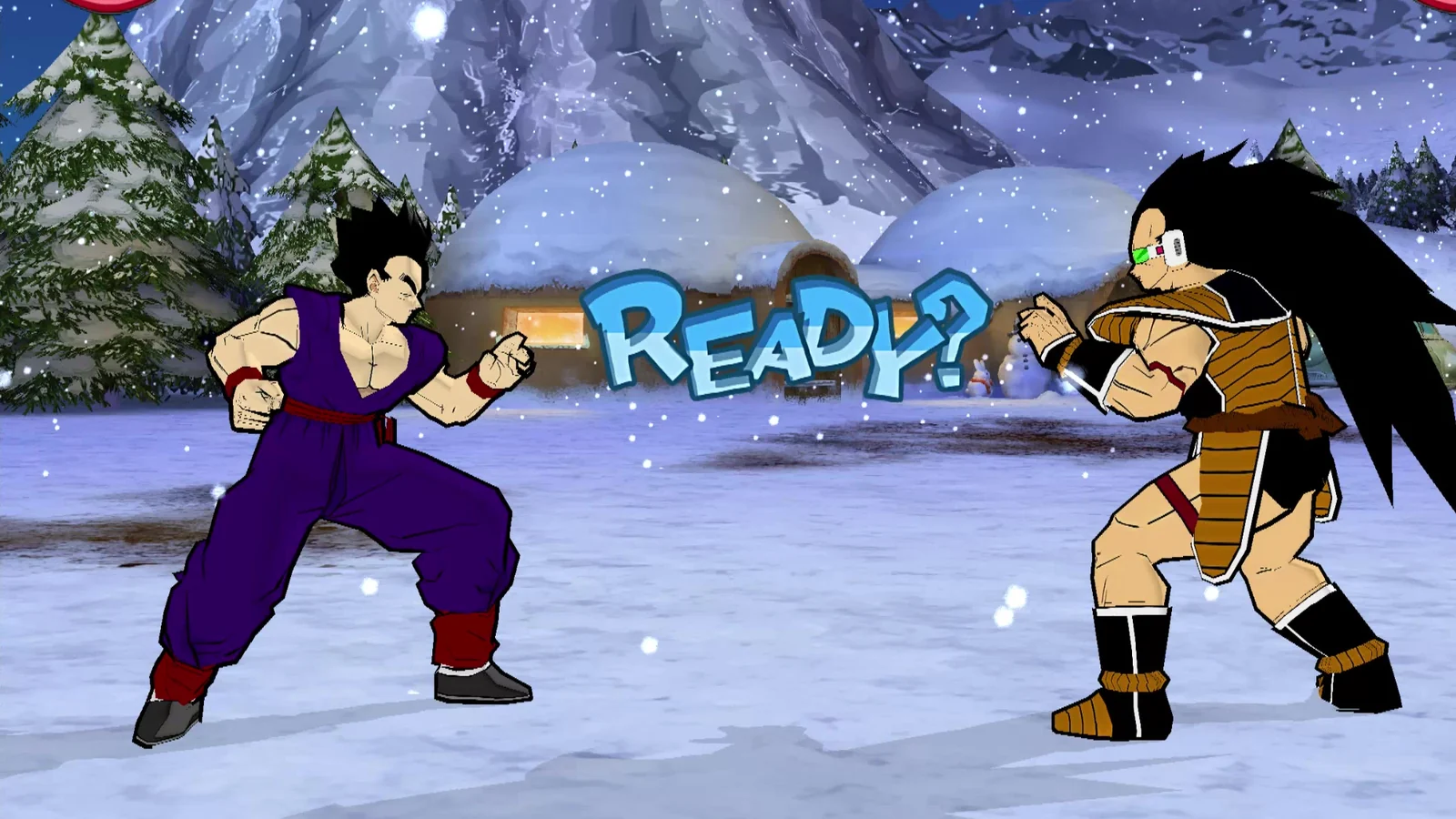
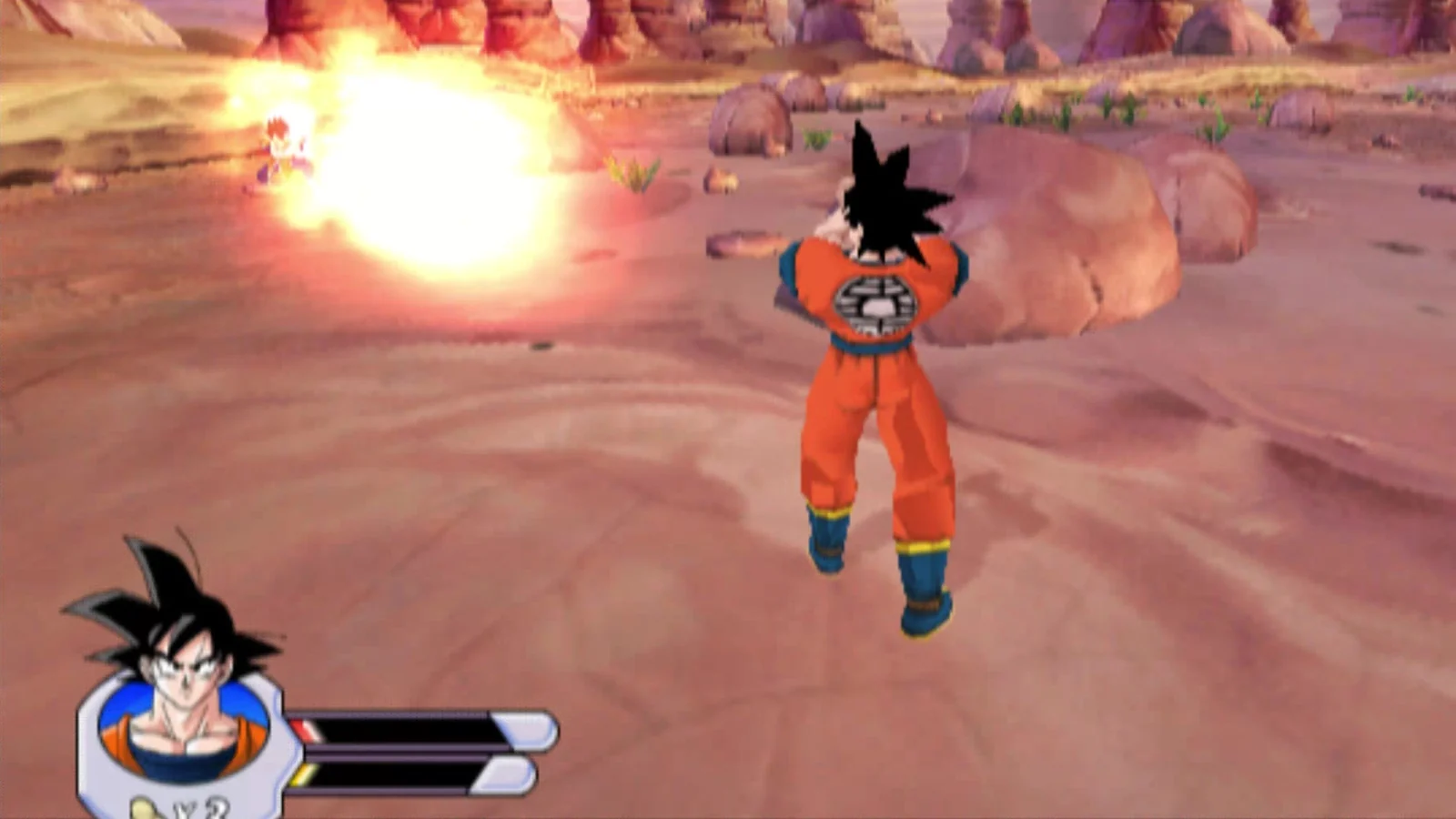
Captures from the native builds of all three games. Click a tile to see it larger, and compare Original and Remastered modes below.
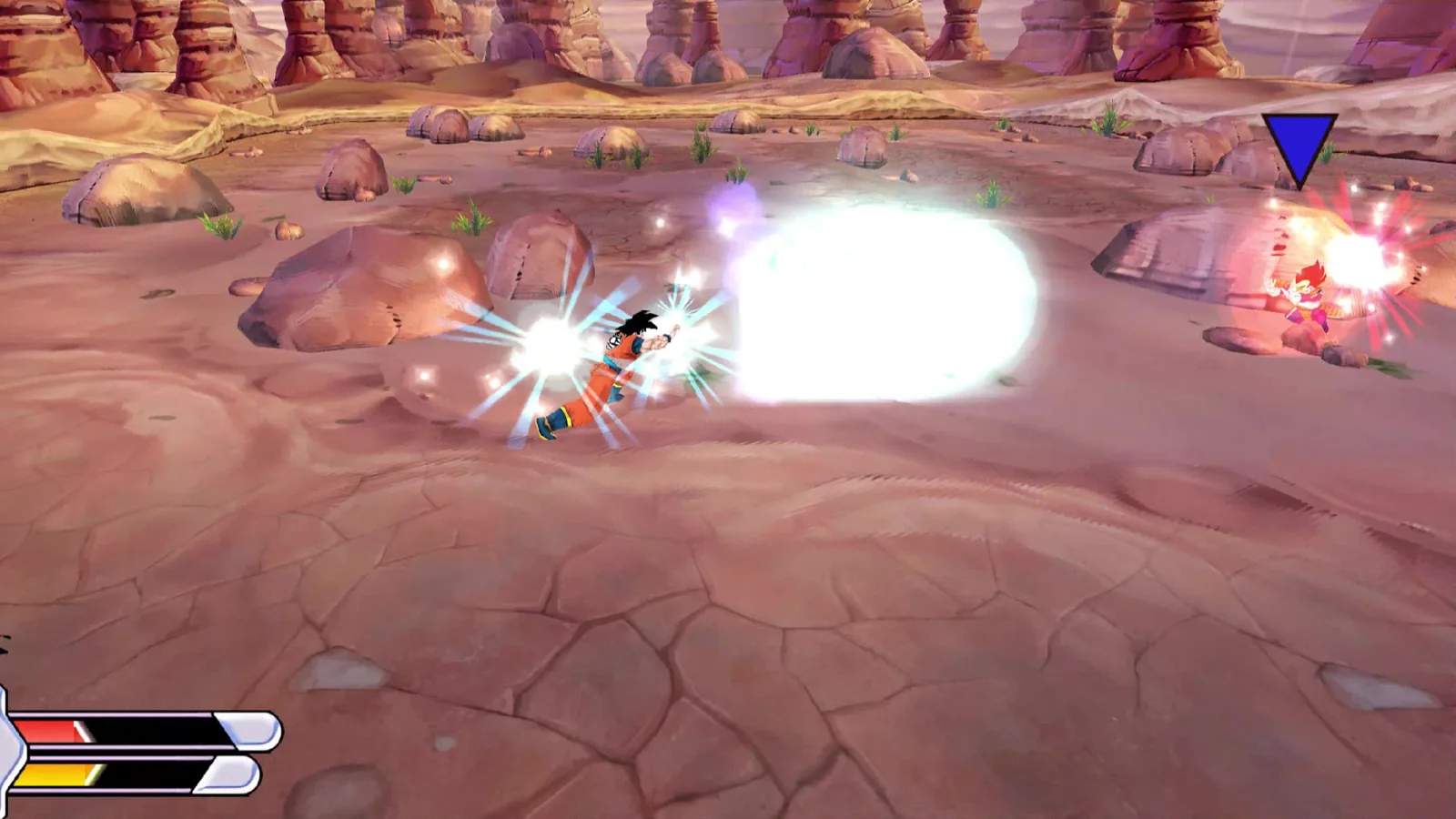
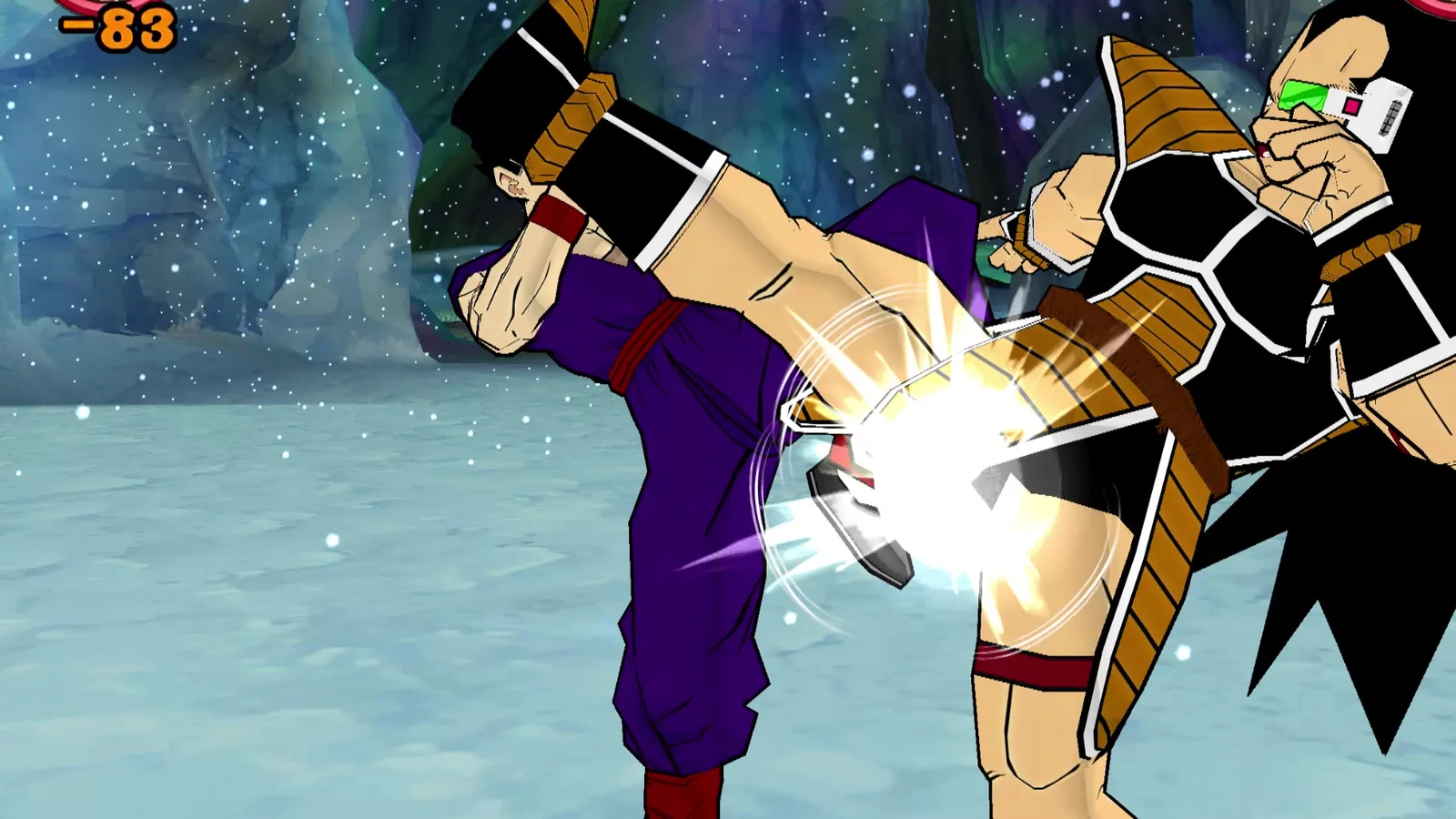
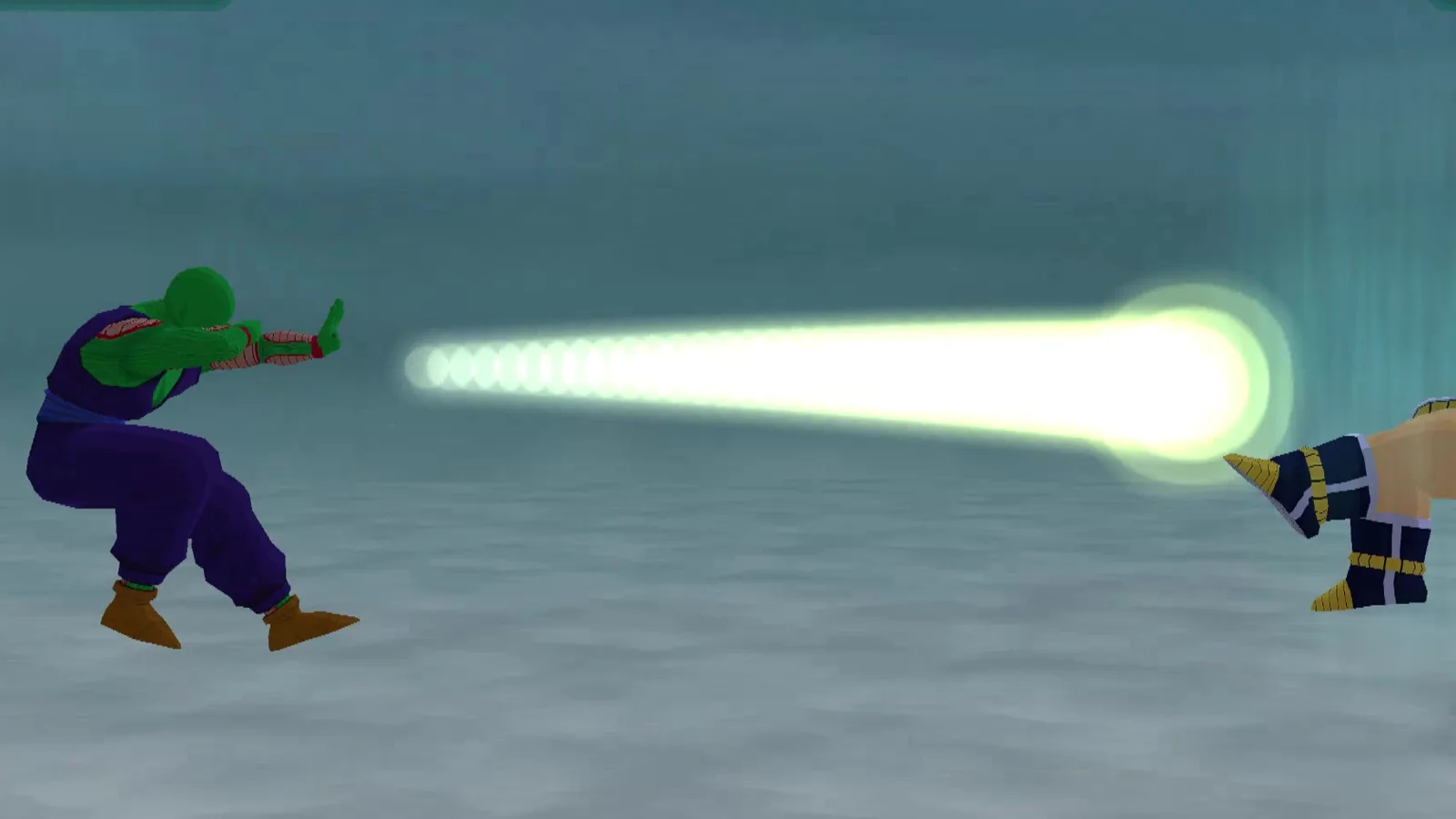
The same moment from the native build, once in Original mode and once in Remastered mode. Drag the handle, or focus it and use the arrow keys.
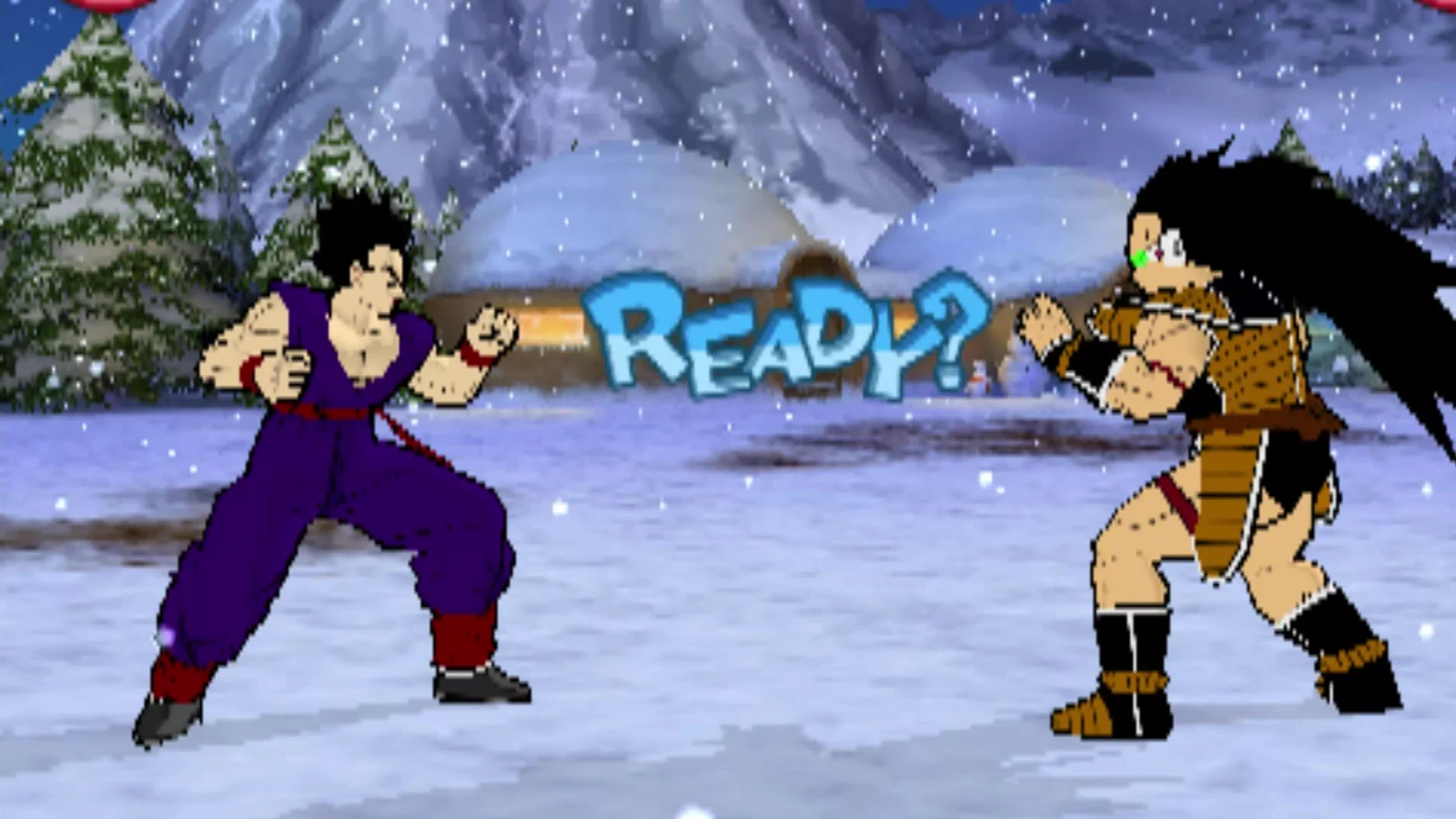
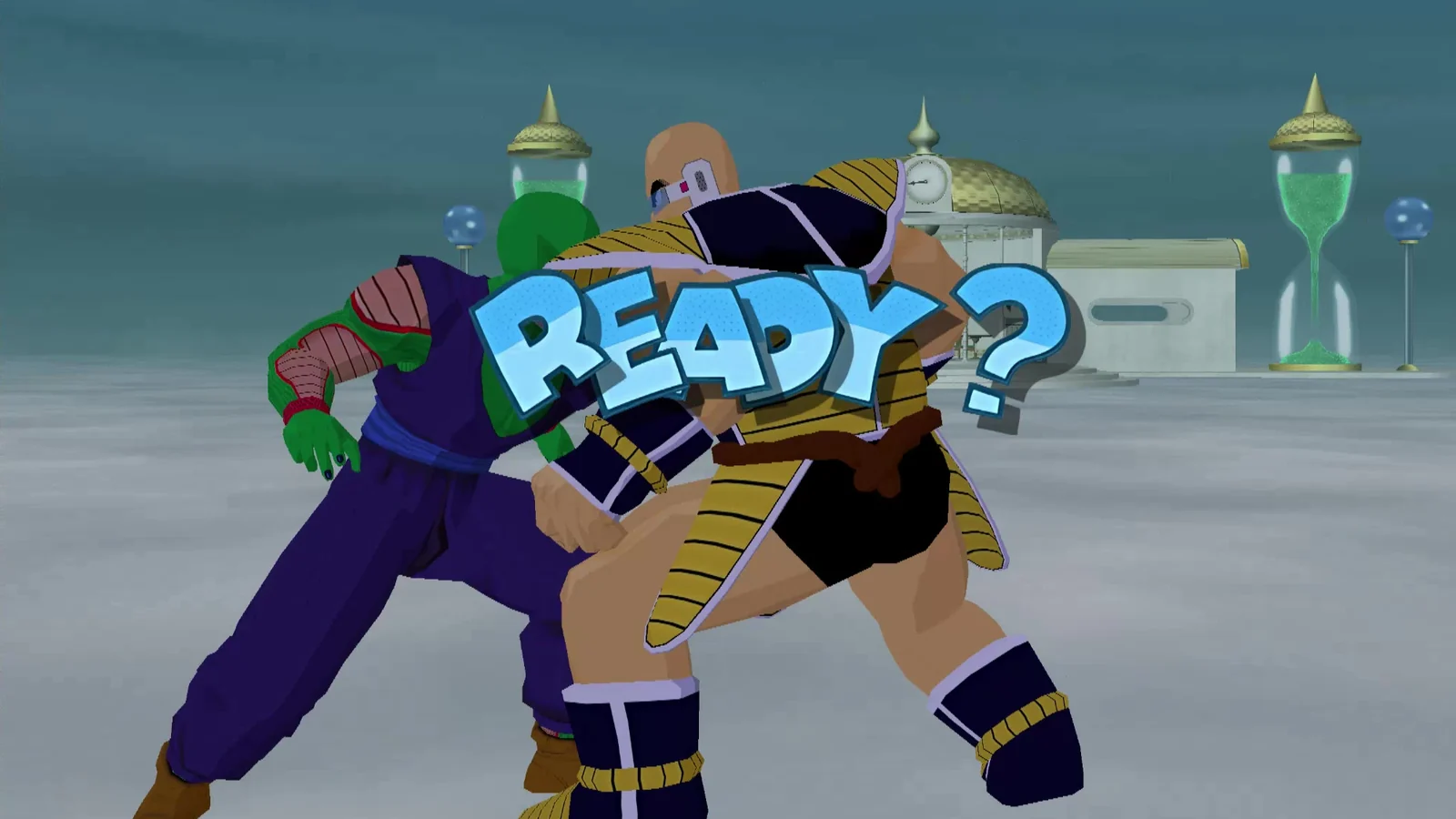
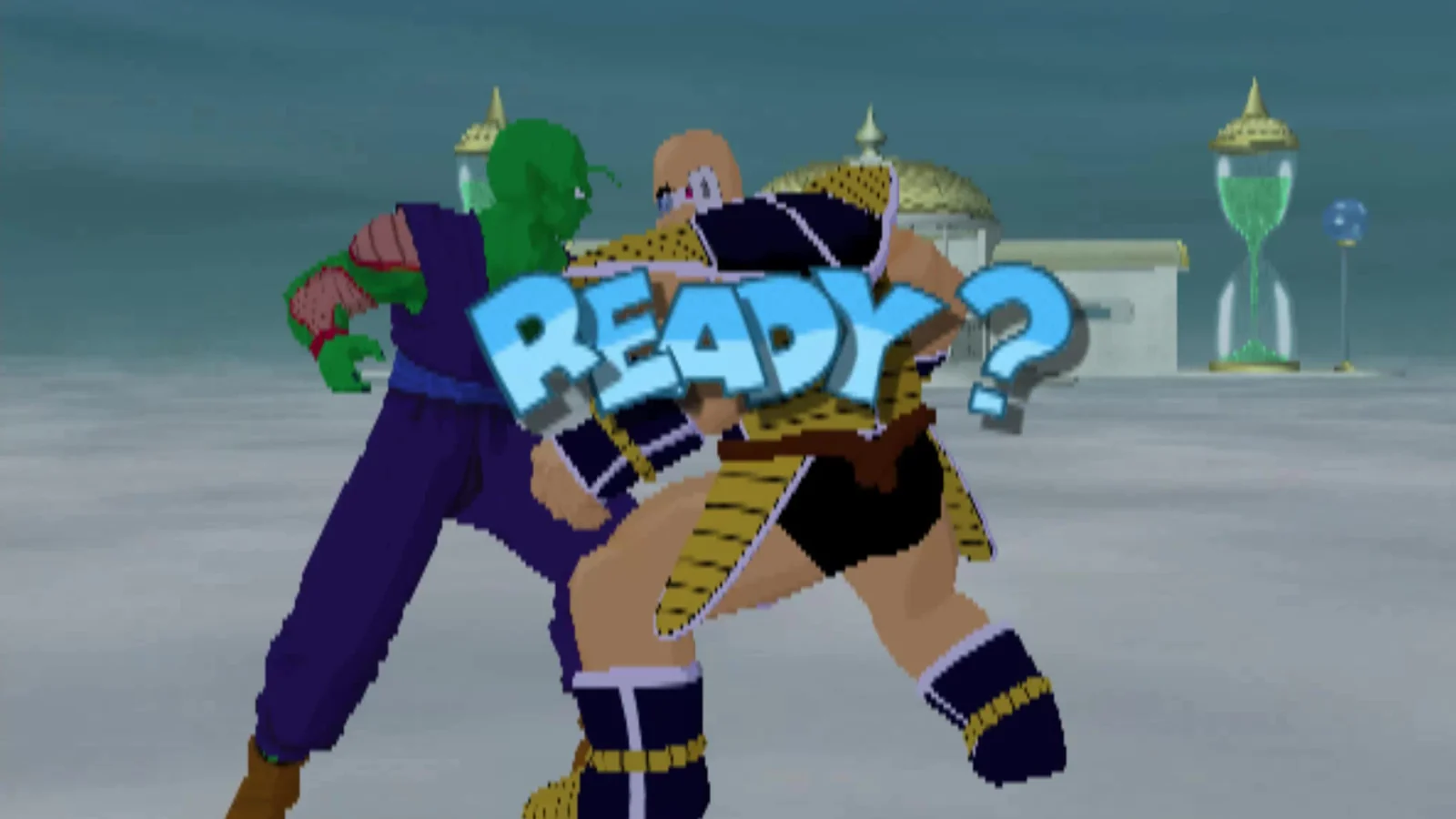
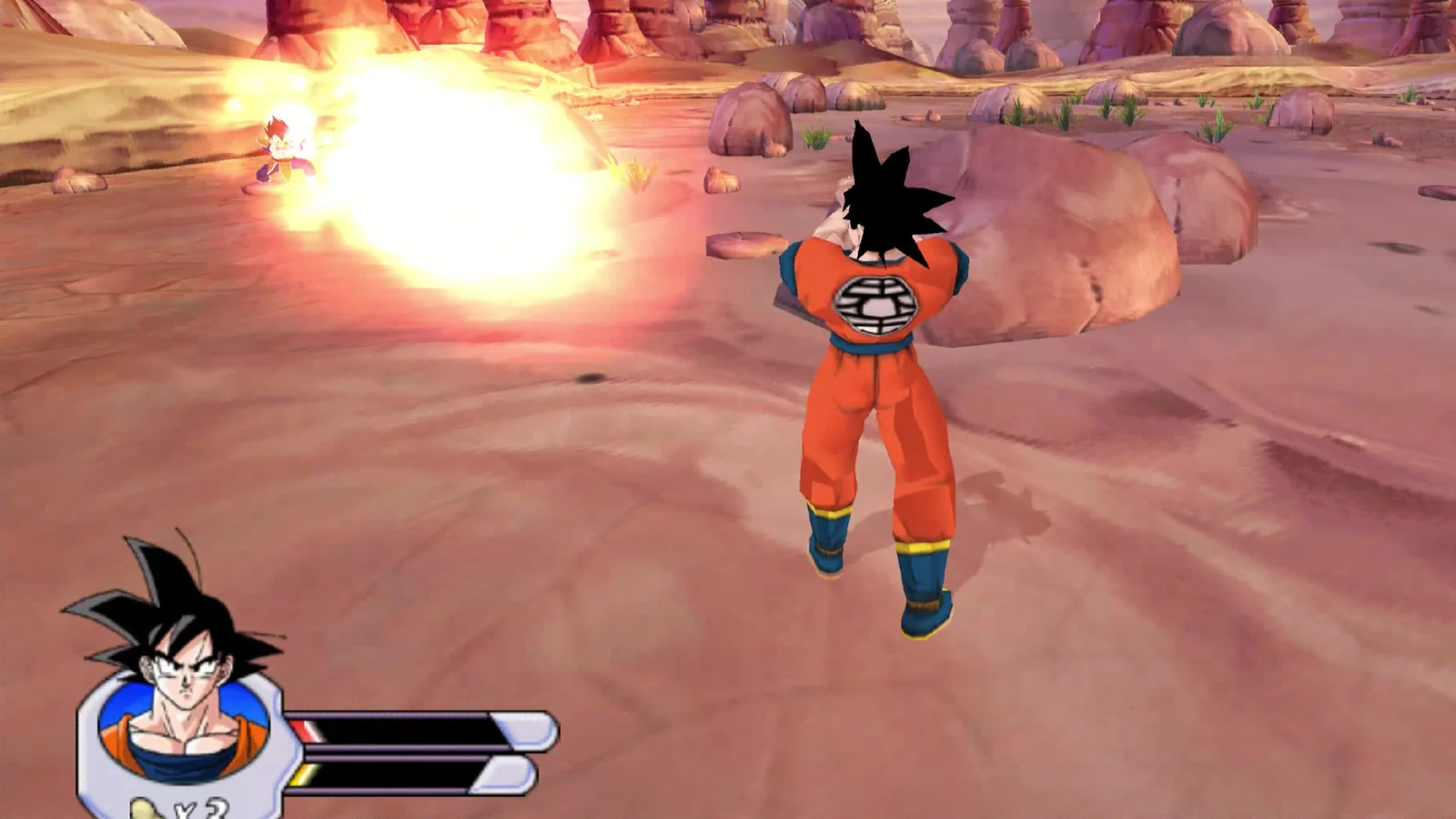
CRT menu, per-game status, keyboard, mouse and gamepad.
HOST, JOIN and LOCAL 2 PLAYERS, join codes, ping and input delay. Internet play goes through Nimbus relays.
AI-upscaled texture packs for all three games and HD movies for Sagas, built and validated. Publishing in Downloads soon.
Budokai, Budokai 2 and Sagas all run on Android, on par with Linux. Sagas runs above full speed on the Retroid Pocket 5 and RG Slide.
Bringing both fighters up to the same level as Sagas.
Budokai, Budokai 2 and Sagas run natively on Windows 11 x64, with the same launcher, host and renderer as Linux and Android. First published in Alpha 1.0.
Released 2026-11-02: polished Android touch controls, the Sagas outline fix, Components versions & rollback, and separate module downloads. See What's new.
Linux and Android: tested with Budokai 2, where the Linux and Retroid Pocket 5 test pair played 14,000-field sessions on LAN and over the internet relay and recovered from a forced desync. Sagas co-op has now been tested between Linux and Android as well; Budokai is next. Windows and Android: all three games matched our reference checkpoints over the relay. Windows and Linux: in testing with Budokai 2. See Online.
Both movies are extracted frame by frame and waiting to be upscaled.
Quick match, public games and tournaments in every launcher: Linux, Windows and Android.
What we're working toward next. These are plans and ideas, not promises, and there are no dates yet.
Nimbus uses its own runtime and renderer, so we can add new looks like a cel-shaded mode for Sagas, plus other visual effects. See a first look.
Play through the Budokai 2 story with a friend, on top of the netplay the launcher already has.
Quality-of-life fixes for Sagas co-op, which already works between Linux and Android.
World Tournament mode with players on Linux, Windows and Android in the same bracket.
Sagas lagging on a Unisoc T820 phone is one of the reasons Nimbus exists. The goal is smooth, full-speed play on modest Android hardware, not just flagship handhelds.
Full devlog coming soon.
No. Nimbus runs on a hybrid core that sits between recompilation and decompilation. Each game gets its own native core, and those cores run on a shared Nimbus host and renderer. Dolphin isn't involved, and there's no emulator and no interpreter emulating the hardware. Detailed architecture notes are coming to the site later.
Yes. No disc images included; your own NTSC-U discs are required. Bring your own legally obtained disc of Budokai, Budokai 2 or Sagas, and the launcher shows NO DISC until it finds one.
The North American (NTSC-U) GameCube releases of all three games.
Yes. Host a game from the launcher, send your friend the join code and they join over your LAN or over the internet through Nimbus relays. Sagas is co-op; Budokai and Budokai 2 are versus. Local two-player works too.
Ubuntu 26.04 (64-bit x86) for now. Other distros aren't supported yet.
The Android build runs all three games and needs a 64-bit (arm64) device running Android 13 or later. Sagas runs above full speed on handhelds like the Retroid Pocket 5 and RG Slide.
Optional downloads that swap in AI-upscaled textures (all three games) and upscaled movies (Sagas). They work with the native builds only, and you can switch back to the originals from the F1 menu at any time. See Downloads.
It's free: the builds, the HD packs and online play, with no paywalls and no donations. The Nimbus Project is closed source for now, and we plan to make it open source. It isn't yet because of server hosting, networking, cross compatibility and keeping development focused; we also plan to release a mature toolset in the future. See About the project.
It's out. Alpha 1.1 came out on 2026-11-02 for Ubuntu 26.04, Windows 11 (Vulkan) and Android 13+ (arm64), following Alpha 1.0 on 2026-11-01. Get it from Main distro. It's an early alpha; follow the roadmap above for what's next.
Email TheNimbusProject@yahoo.com.
The Nimbus Project stands on a lot of other people's work. Thank you.
Licenses are as stated in the notice files shipped with Alpha 1.0. The full license texts ship inside each download (licenses/THIRD_PARTY_NOTICES.txt on Windows, assets/THIRD_PARTY_NOTICES.txt in the Android app, and inside the Linux .run).
Listed in the notices of all three downloads
Listed in the notices of all three downloads
Listed in the notices of all three downloads
Linux .run only: unmodified Ubuntu 26.04 packages, used only when your system lacks its own copy
Shipped as runtime libraries in the Windows and Android builds
All games, characters, names, artwork, music and trademarks belong to their respective owners. The Nimbus Project claims none of it as its own.
The Nimbus Project is an unofficial fan project. It is not affiliated with or endorsed by Nintendo, Atari, Dimps, Avalanche Software, Bird Studio/Shueisha, Toei Animation or any other rights holder.
No disc images or game data are distributed. You need your own NTSC-U discs.
The Nimbus launcher, host, renderer and core tooling are our own original code.


